
Install the adapter
In your agent’s Python environment, install the adapter from the published GitHub release. Git must be installed.
pip install "buildsol-livekit @ git+https://github.com/hectordiazgomez/sol-sdks.git@integrations-v0.1.0#subdirectory=integrations/livekit"This adapter is maintained by Sol. Configure it in code; it is not yet listed in the platform’s native provider selector.
Add your key
Create a key in Sol → API keys and add it to your server environment.
export SOL_API_KEY="YOUR_SOL_API_KEY"The adapter reads this variable automatically. Keep the key on your server or in your deployment secrets.
Connect the voice
In your AgentSession, replace the voice provider with TTS(). Keep your existing STT, LLM and turn detection options.
from livekit.agents import AgentSession
from buildsol_livekit import TTS

session = AgentSession(
    # Keep your existing STT, LLM and turn detection.
    tts=TTS(),
)
Choose another voice (optional)
Without parameters, Sol uses its default voice. Get another voice from GET /v1/voices and pass its ID:
TTS(voice_id="YOUR_VOICE_ID", speed=1.0)Test your agent
- Start your agent as usual and ask it for a short response in Spanish.
- Check that you hear the voice and review Sol usage.
- For cloud hosting, include the package in your agent’s dependencies and SOL_API_KEY in its secrets.
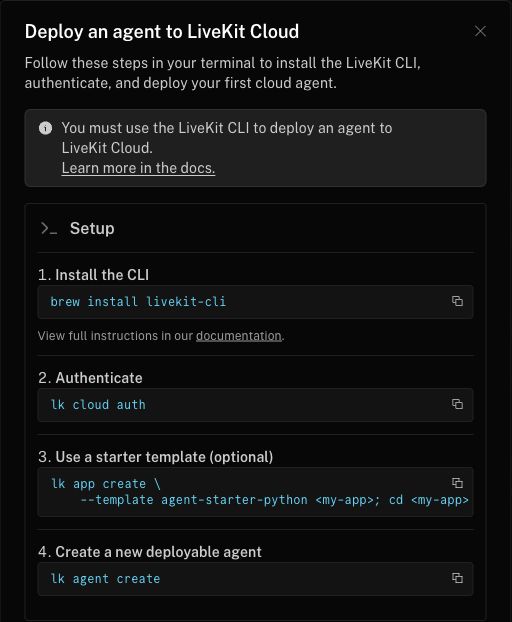
Starting from scratch? Use the complete example: livekit_agent.py.
Sol bills speech generation. Transcription, the language model and agent hosting have separate usage.
Troubleshooting
Authentication or balance error
Check that SOL_API_KEY is set in the agent process, the key is active and you have credits. Private voices must belong to that account.
Latency and interruptions
Latency depends on where your agent runs, the network, text and server load. Measure first audio in your deployment. The adapter streams arriving audio and closes the download when synthesis is cancelled.